The Surfaces and Colour sections sit below Placement in the Pattern step’s sidebar.
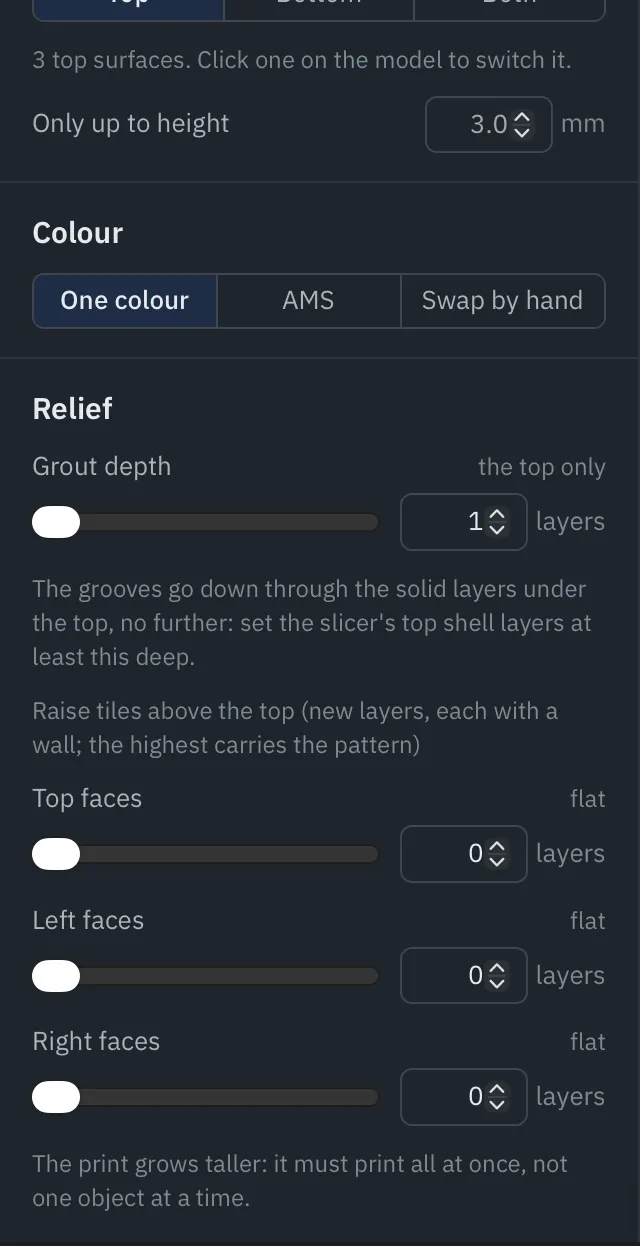
Surfaces
Faces to pattern chooses Top, Bottom or Both.
- Top: every top surface of every piece: the tops of the pieces, and any lower step or ledge that ends in a top surface.
- Bottom: the face the piece lies on, patterned as seen from below. It shows best on a smooth or glossy plate. There is no grout on the first layer, so the pattern shows only as line directions (and colours).
The section counts the surfaces it found. Click a surface on the model to leave it as sliced, and click again to pattern it. Only up to height leaves every surface above a height alone (handy when a model has a raised rim or a handle you don’t want patterned).
Small areas are left as sliced: anything under the smallest area to pattern (20 mm² by default, in Print settings).
Colour
By default every tile prints in the print’s own filament (One colour), and the pattern shows through line direction alone. To print tile groups in different filaments, pick a colour mode:
| Mode | For |
|---|---|
| One colour | Any printer. No filament changes. |
| AMS | A printer that changes filament by itself (an AMS, MMU or tool changer). TessaFab inserts the tool changes and purges itself. |
| Swap by hand | A single-filament printer: it pauses for you to load the next filament. |
Then choose a filament for each tile group. The list shows the filaments set up in your slicer; if it only has one, add the ones you want in the slicer and slice again.
Colour depth is how many layers, counting down from the top, print in the tile groups’ filaments (1 to 8). More layers give a deeper, more even colour, and more tool changes. With the bottom patterned, Bottom colour depth does the same counting up from the plate.
Under the settings TessaFab estimates the number of tool changes (or swaps by hand). Once the pattern is generated the number is exact and, for AMS, it adds the grams purged.
Tip. Many swaps by hand get tedious fast. TessaFab warns when there are a lot: use fewer colours, a colour depth of 1, or an AMS.