Everything about your edition is in the Licence sheet: click the edition badge at the top right of the window (Free edition, Pro trial · N days left or Pro), or choose Licence… in the file menu.
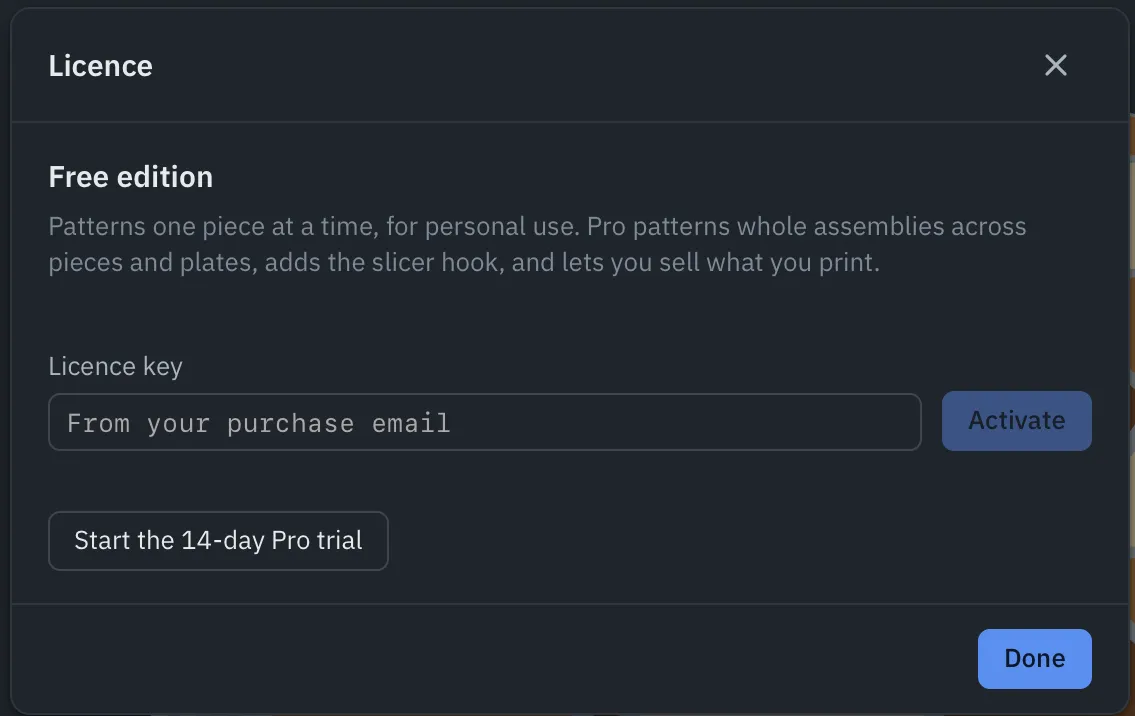
Start the trial
Click Start the 14-day Pro trial. Everything in Pro is unlocked straight away, for 14 days, with no account and no card. The badge counts the days left.
Exports made during the trial say they’re not for commercial use (in the G-code header, and as a note in a layered SVG). When the trial ends, TessaFab goes back to the free edition; your projects and patterns stay as they are.
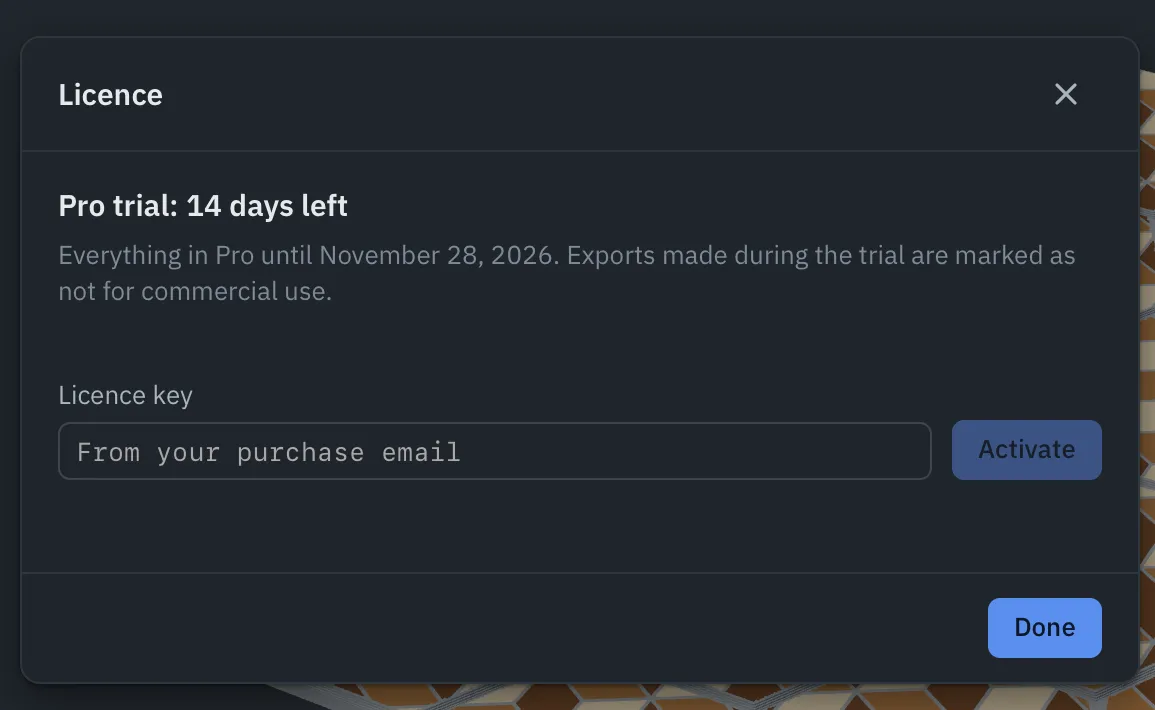
Activate a licence key
Your key arrives by email after you buy. Paste it into Licence key and click Activate. The computer needs to be online once to activate. The sheet then shows who it’s licensed to and until when updates are included.
Offline
After activating, TessaFab works offline. It renews itself whenever you’re online; if it hasn’t been online for 30 days, it asks to connect. The sheet shows the date it works offline until.
Move to another computer
A licence works on two computers at a time. To move it, open the Licence sheet on the old computer and click Deactivate this computer, then activate the key on the new one.
If the old computer is gone (lost, broken, wiped), email support@tessafab.com with your key and we’ll free it.
Updates
A licence includes the updates released within a year of buying it. A version released after that won’t take the licence: keep the version you have, or renew for another year of updates. The licence itself never stops working.
The command line
The app’s tessafab command reads the same licence: on a computer where the app is activated (or on the trial), the slicer hook patterns every piece; otherwise one.
Lost your key?
Email support@tessafab.com with the address you bought with. Your receipt also identifies the purchase.