Click Export at the top right (⌘E / Ctrl+E). The sheet has two kinds of export.
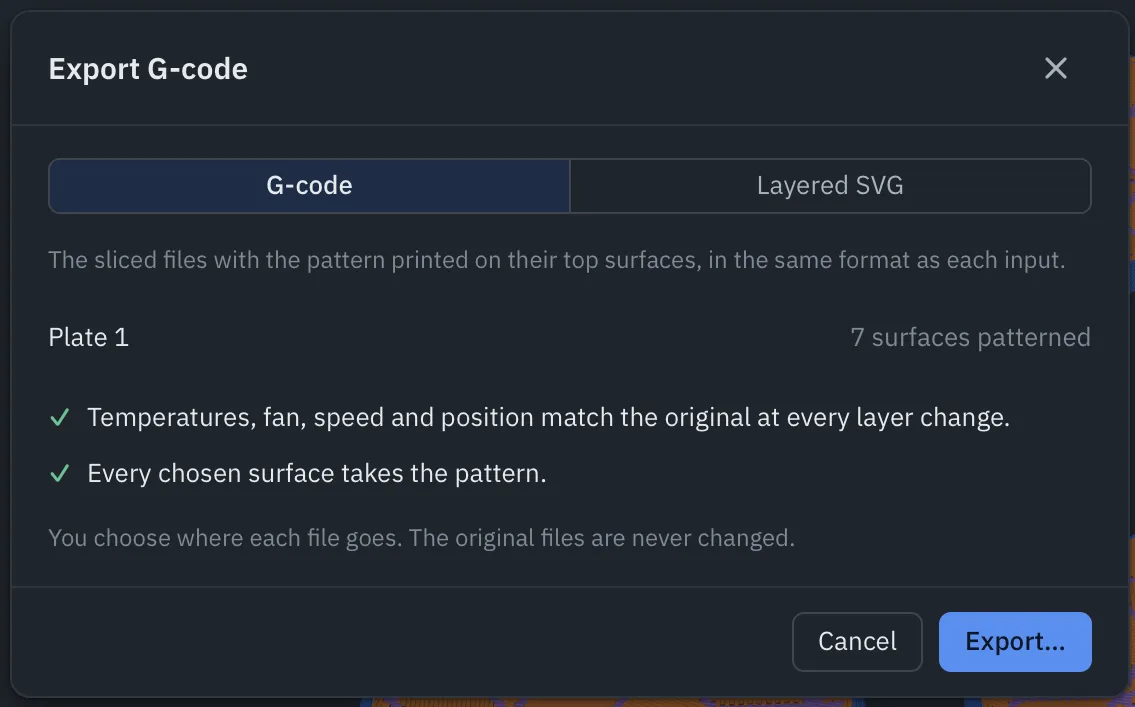
G-code
The sliced files with the pattern on their surfaces, in the same format as each input (.gcode.3mf, .gcode or .bgcode). The sheet lists each plate and how many surfaces it patterns, and checks the result before you save:
- Temperatures, fan, speed and position match the original at every layer change.
- Every chosen surface takes the pattern.
Click Export… and choose where each file goes. The original files are never changed.
Open the new file in your slicer to send it to the printer, or copy it to the printer’s card or drive. It opens in the slicer’s Preview, already sliced; don’t slice it again.
Trial. Exports made during the Pro trial say “not for commercial use” in the G-code header.
Layered SVG
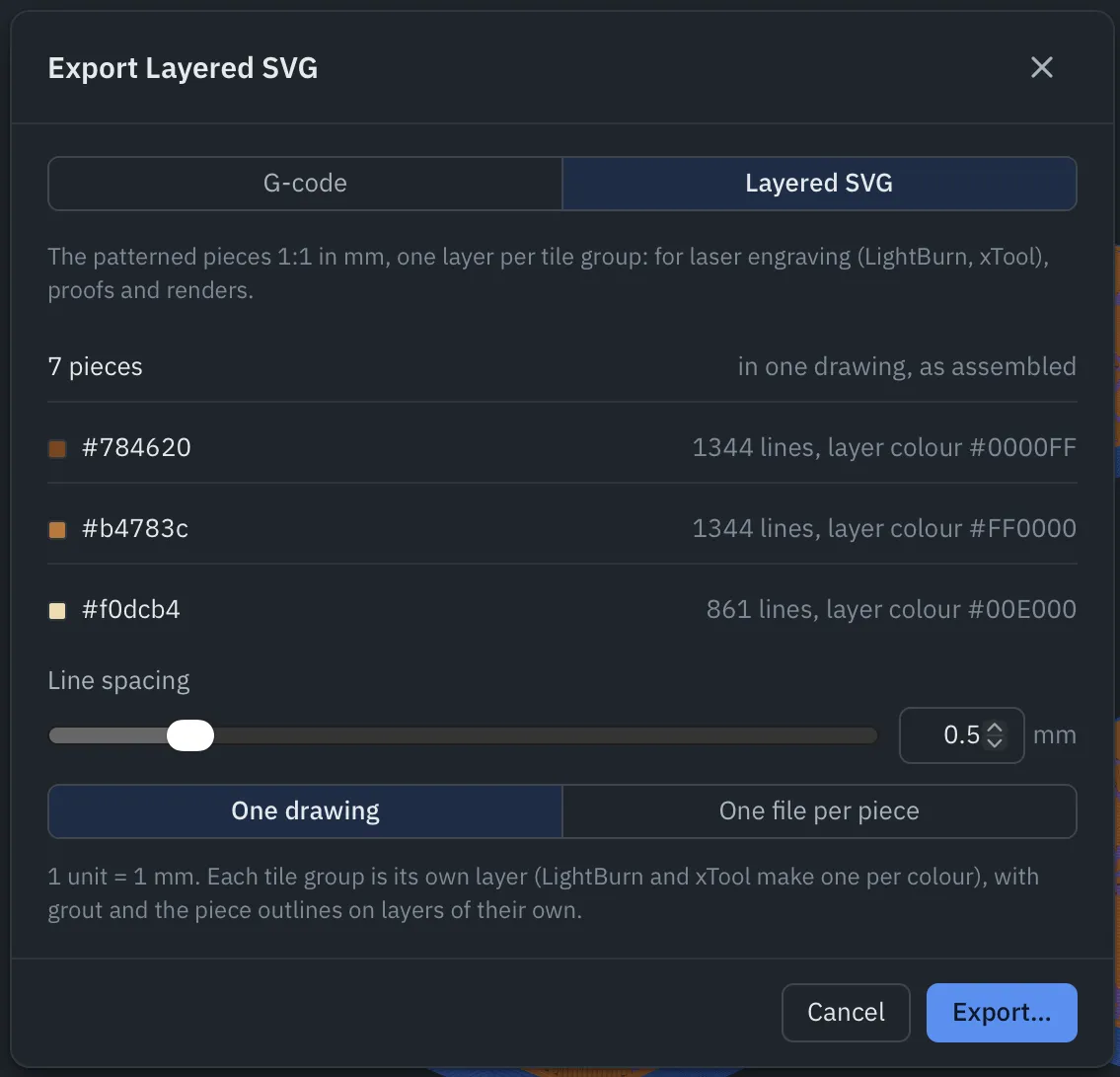
Layered SVG (Pro) writes the patterned pieces as a drawing at 1:1 in millimetres, one layer per tile group, with grout and the piece outlines on layers of their own. LightBurn and xTool Creative Space make one layer per colour, so it’s ready for laser engraving; it also makes good proofs and renders.
| Setting | What it does |
|---|---|
| Line spacing | Distance between the fill lines in each tile, 0.05 to 3 mm. |
| SVG files | One drawing, as assembled, or One file per piece. |
The sheet lists each tile group with its line count and layer colour.