Print settings… in the file menu sets how the patterned lines are printed. They apply to the patterned lines only; everything else in the file stays as your slicer made it. Leave a field empty and TessaFab uses your slicer’s setting where the G-code has one, or the default below.
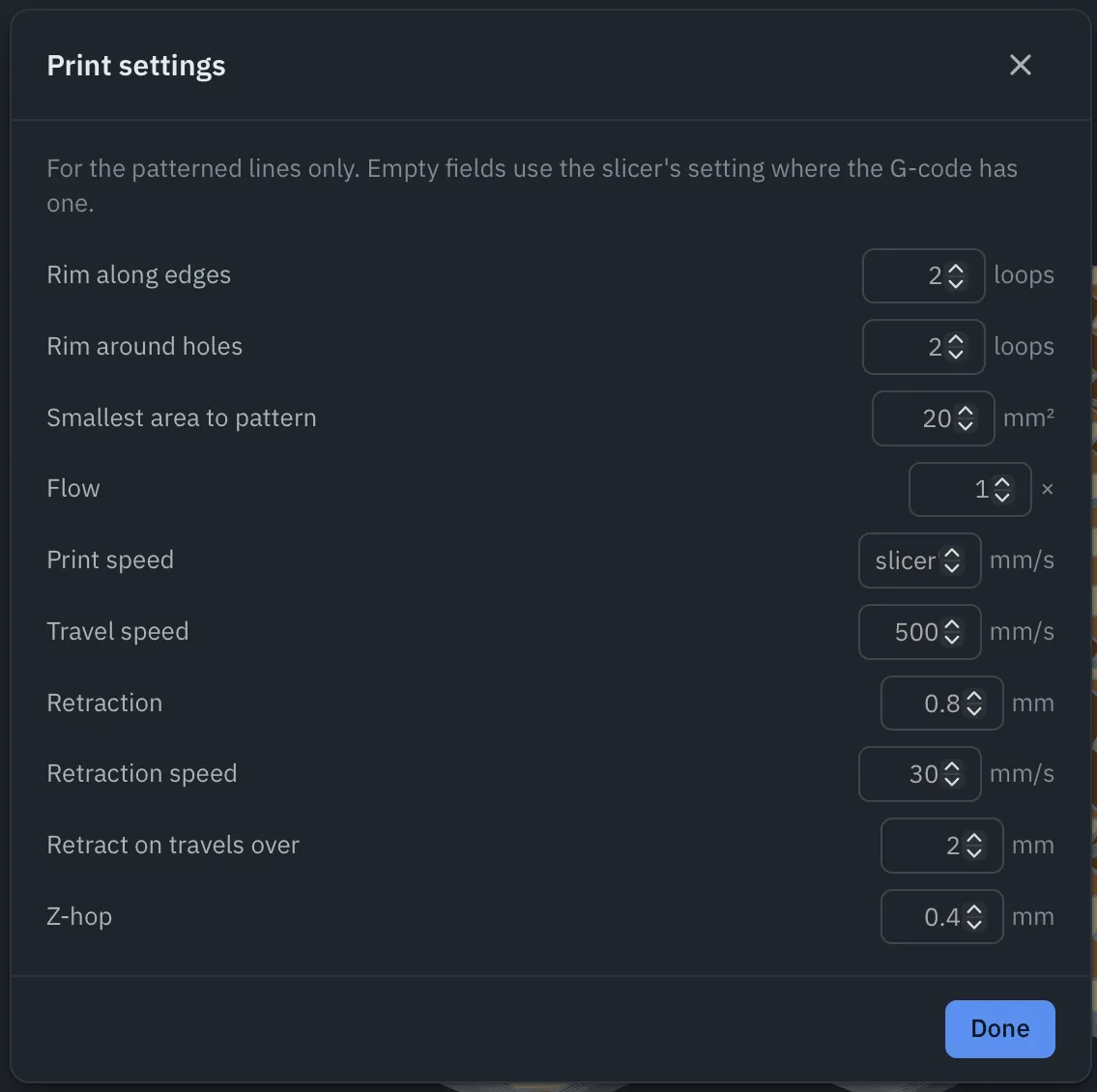
| Setting | Default | What it does |
|---|---|---|
| Rim along edges | 2 loops | Loops printed along the edge of a patterned surface, so the pattern ends at a clean edge. |
| Rim around holes | 2 loops | The same, around holes. |
| Smallest area to pattern | 20 mm² | Smaller islands are left as sliced. |
| Flow | 1× | Extrusion multiplier for the pattern lines. |
| Print speed | the slicer’s | Speed of the pattern lines. By default, the slicer’s top surface speed. |
| Travel speed | 300 mm/s | Moves between lines. |
| Retraction | 0.8 mm | Retraction length on long travels. |
| Retraction speed | 30 mm/s | |
| Retract on travels over | 2 mm | Shorter travels don’t retract. |
| Z-hop | 0.4 mm | Lift on travels that retract. |
Retraction, retraction speed, Z-hop and travel speed are read from the slicer’s settings in the file when it has them (Bambu Studio and Orca: retraction_length, retraction_speed, z_hop, travel_speed; PrusaSlicer: retract_length, retract_speed, retract_lift, travel_speed).
The extrusion per millimetre always matches the slicer’s top surface, and after each patterned block the printer is returned to exactly the position, height, feed rate and extruder state the original G-code expected.